“Which one had the dorms up the hill?”
Every note is filed by college and visit, with its topic and the time you wrote it. Search your own words months later.
See the journalFor students visiting colleges
Notes, photos and first impressions from every college visit, in one place.
By the third tour, the campuses start to blur. CampusTrail helps you plan each visit, keep what stood out while you're there, and compare colleges later by what matters to you. Everything stays on your phone.
Tap to enlarge
The places behind the visits
Real campuses from the example visits. The app screens tell a fictional student’s story.

 Providence, Rhode Island
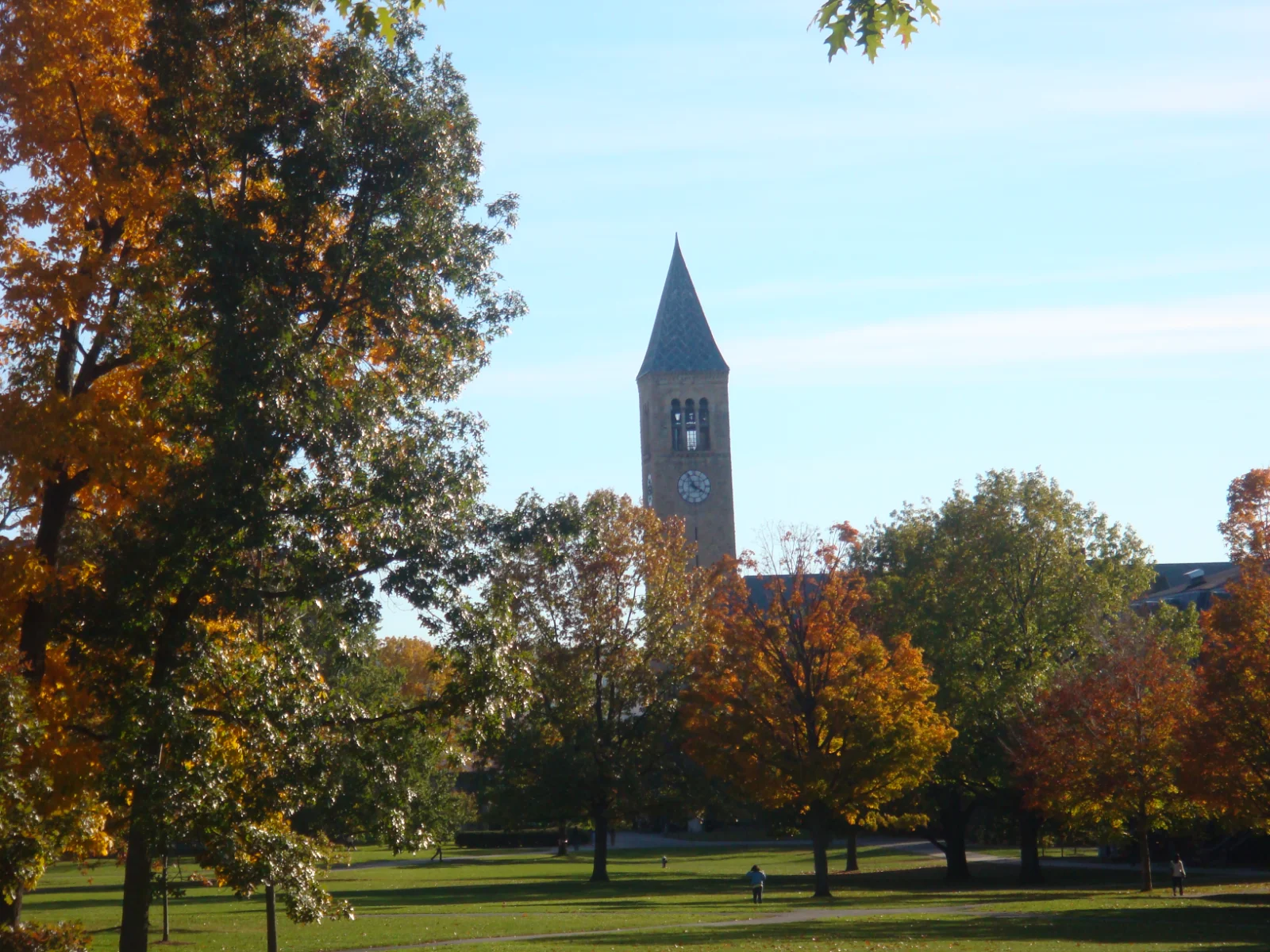
 Ithaca, New York

 Blacksburg, Virginia
Campus photographs are separate from the app’s fictional visit content. Photo credits
Every note is filed by college and visit, with its topic and the time you wrote it. Search your own words months later.
See the journalA short reflection after each visit: how it felt, whether you'd come back, and a rating for each thing you care about, with your own notes right beside it.
See a reflectionPlace each college with a few this-or-that taps, then compare any two visits side by side, weighted by your priorities.
See compareHow it works
Pick questions worth asking, list the stops you want to make, and keep your appointments in one place. All optional.
Tap to enlarge
Start the visit when you arrive. Each photo saves the moment you take it, and a note takes seconds: what you saw, who you talked to, liked it or not.
Tap to enlarge
How did it feel? Would you come back? Rate what matters to you, with your own notes beside each rating.
Tap to enlarge
Place each college with a few this-or-that taps, and compare two visits side by side. Your order, from your own visits.
Tap to enlarge
A closer look
Big buttons, quick notes, and a visit you can start the moment you arrive. Everything else can wait until the drive home.
Visits done, what's planned, and the visit happening now, with your priorities right there.
Tap to enlarge
Your campus passport
Finish a visit and its stamp lands in your passport. Badges mark the milestones: your first college, three colleges explored, three reflections written, three colleges ranked.
Tap to enlarge
A few cards that recap your season. Share one as a picture if you want to: choose what it shows, see exactly what will be shared, and know that notes, names and reflection words are never on a card.
Tap to enlarge
New: Around campus
On a college's page, a short local guide: coffee, food and places to see, picked from student newspapers, the colleges' own guides and local tourism pages.
Places to try, not reviews to scroll.
Each guide shows when it was checked, and “Check before going” names what to confirm.
Every pick links to where it came from.
Starting with a first set of colleges.
Tap to enlarge
No account. Your name and class year stay on your phone.
Nothing sent anywhere. No ads, no tracking, no uploads.
You choose what leaves. Share a card or export a copy of your journal, only when you tap.
Undo or erase. Remove a note or visit and bring it back, or erase it for good.
High school students visiting colleges, from a first look in sophomore year to a last visit before deciding.
No account. CampusTrail keeps everything on your iPhone and sends nothing anywhere. Links to sources open in your browser.
Any college. The app includes a pilot list of 29 colleges with details, and you can add any other college yourself.
No. It never ranks or recommends colleges. Your ranking comes from your own choices, and comparisons use your own ratings and priorities.
Yes. Turn on athletic interest for a visit to add things like coaching staff, team culture and athletic facilities, alongside the general campus.
Each photo you take in CampusTrail is saved in the app the moment you take it. You can also choose one from your library; your Photos library isn't changed.
Your notes stay on your phone. If you want to show someone, you can share a recap card as a picture or export a readable copy of your journal. Notes, names and reflection words are never on a recap card.
A short local guide on each college's page for a first set of colleges: coffee, food and places to see, with text addresses, sources and a "Check before going" note where details change. No ratings or reviews.
CampusTrail is in development and being tested by our own family on this year's college visits. To hear when it's ready, email hello@beahinc.com.
 CampusTrail
Built by a family on the college trail. For yours.
In development.
Get in touch